


ProPixel for Mac · One-time purchase
Prepare your images. Not your patience.
Resize, convert and optimise images for websites, online shops and social media. One image or a whole batch, prepared on your Mac.
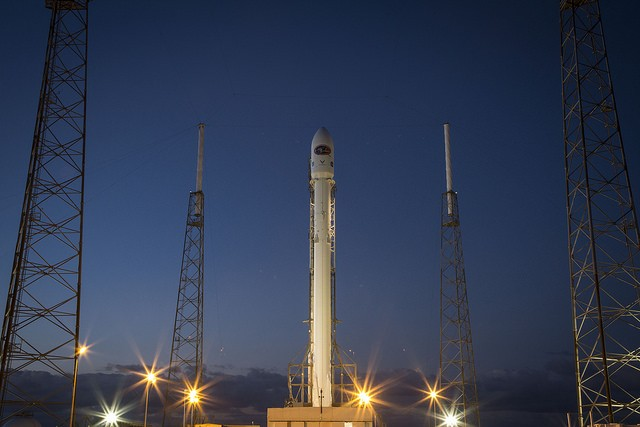 Reference · PNGOutput · WebP
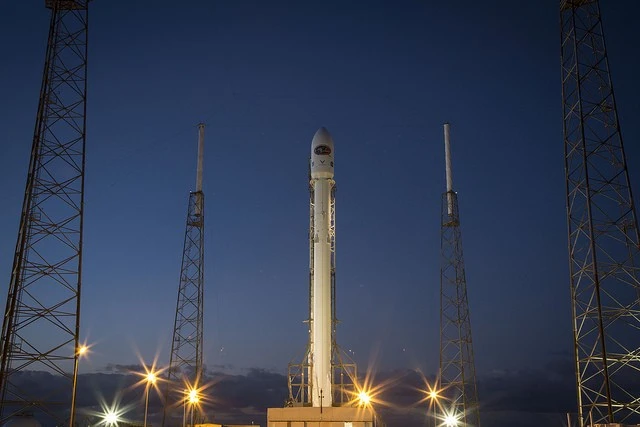
- Reference
- 286,276 B
- Encoded output
- 37,054 B
- Quality assessment
- Not run
Interactive encoding fixture · Pillow WebP sample, not a ProPixel benchmark. Drag the divider to inspect the two images.
Destination previewsSample ratios
1 image × 3 destinations = 3 planned outputs
No destination selected.
Nothing is planned until at least one destination is chosen.
Shapes are sample ratios to show framing, not platform presets. ProPixel’s built-in presets cite their official source and the date it was read; check current platform requirements before publishing.
Plan arithmeticInteractive example
Source images
30 × 6 = 180 planned outputs
This calculator only plans. In the app each planned output is then checked against its source: a small source can block a large destination, and a crop may need review. Planned outputs are not completed outputs.


Stop preparing the same image over and over.
Choose where your images are going. Prepare every size and format together. Your originals stay untouched.